How Quantum draws a cottage without drawing 333,804 triangles
Quantum is the voxel editor I'm building. It was called Voxelite until very recently, which is why the code paths below still say voxelite. The part I keep poking at is the renderer, because an editor with a stuttering viewport is just a sad spreadsheet.
My test scene is a small autumn cottage with a tree, a fence and a chimney I'm unreasonably proud of. The example file in the repo has 27,817 voxels.
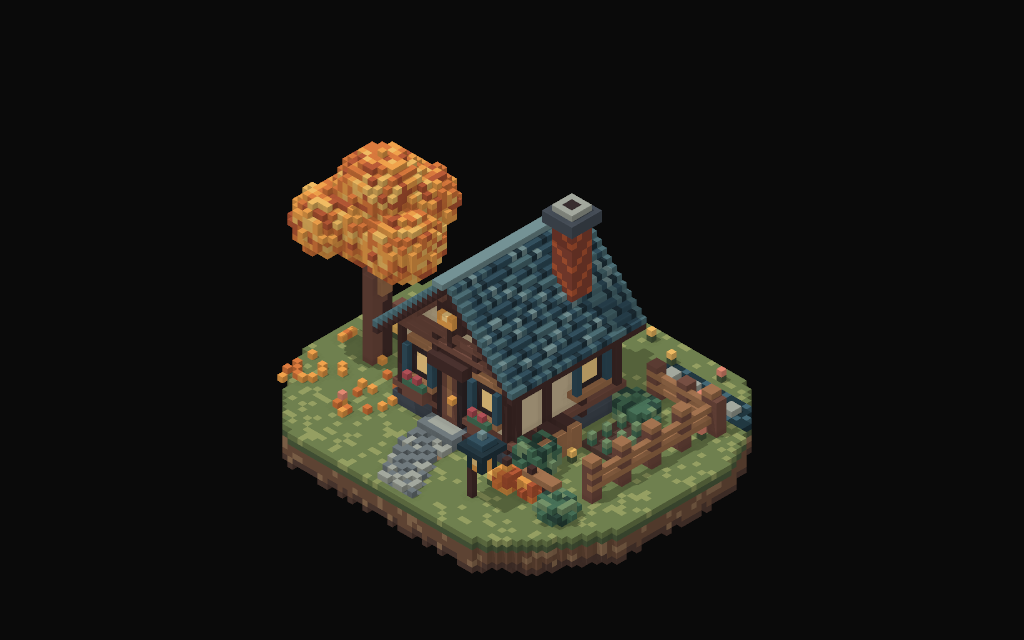
This is not a tutorial. There are plenty of those and they hold your hand better than I do. It's the handful of things that moved the needle, in the order I hit them, with real numbers where I have them and a plain note where I don't.
The version everyone writes first
One cube per voxel. Eight corners, twelve triangles, done.
not from the repo, this is the one everyone writes on day onefor voxel in scene.voxels() {
    // 12 triangles, whether or not anyone can see them
    push_cube(&mut mesh, voxel.pos, voxel.color);
}
For the cottage that's 27,817 × 12 = 333,804 triangles, most of them inside walls or under grass. A modern GPU would probably shrug at that and I never timed it, so I won't pretend I did. The trouble is the other scenes I test with. A million voxels is 12.5 million triangles. Ten million voxels is 120 million triangles of dirt, and I'd like to still see 120 frames a second.
Don't draw faces nobody can see
Put two cubes next to each other and the faces that touch are inside solid matter. Nobody will ever look at them. In a 3×3×3 block that's 162 faces, and only the 54 on the outside can ever show up on screen.
The check is one hash lookup per face. If there's a voxel on the other side, skip it.
crates/voxelite-render/src/chunk_mesh.rs, trimmedlet Some(&slot) = cells.get(&p) else { continue };
let mut neighbor = p;
neighbor[axis] += if positive { 1 } else { -1 };
if cells.contains_key(&neighbor) {
    continue; // solid on the other side, nobody will ever see this face
}
On the cottage that takes 333,804 triangles down to 42,564, which is 21,282 exposed faces. About 87 percent of the model was never going to be seen.
Then merge what's left
Look at a flat stretch of grass. Hundreds of identical little squares, all facing up, all the same colour. Greedy meshing walks each layer, finds a square, grows it as far right as it can, then as far down as it can, and emits one big rectangle instead.
There's one catch. I bake ambient occlusion into the vertices, so two neighbouring faces with the same colour but different corner darkness can't share a quad or the shading smears across it. The merge only happens when all four corners agree.
same file, the grow steplet flat = face.ao.iter().all(|a| *a == face.ao[0]);
let mut w = 1;
let mut h = 1;
if flat {
    while x + w < 16 && mask[y * 16 + x + w] == face { w += 1; }
    while y + h < 16 && (0..w).all(|dx| mask[(y + h) * 16 + x + dx] == face) { h += 1; }
}
So the GPU mesher is a worse greedy mesher than the plain one, on purpose. 17,201 quads (34,402 triangles) against 9,817 quads (19,634 triangles). I'm paying quads for nicer shading. One more oddity: the scene in my baseline run has 27,897 voxels and the file in the repo has 27,817. I don't know where 80 voxels went, I'm choosing to blame the fence.
Words only go so far, so here's the cottage. It's the real mesher output for the example file, drawn on this page by a small script: flat shaded, one fixed camera, no AO, no shadows. It isn't my renderer. Pick a mode, turn the wireframe on, then go look at the roof. The picture never changes between modes. Only the number of pieces it took does.
Chunks, so an edit is cheap
The mesh isn't one giant blob. It's cut into 16×16×16 chunks, each with its own buffer and its own draw call (the cottage is 30 draw calls). Move the camera and nothing gets rebuilt. Change one voxel and only the chunk it lives in gets remeshed.
Almost only. Culling and AO both look at neighbours, so an edit near a chunk border changes the faces on the other side too. I reach two cells in every direction and rebuild whatever chunks that touches.
same file, sync_validated// Cull and AO dependencies extend two cells across chunk borders,
// including diagonals. Interior edits only invalidate one chunk.
let lo = p.map(|v| (v - 2).div_euclid(16));
let hi = p.map(|v| (v + 2).div_euclid(16));
for z in lo[2]..=hi[2] {
    for y in lo[1]..=hi[1] {
        for x in lo[0]..=hi[0] { dirty.insert([x, y, z]); }
    }
}Here's what that buys on the M5 Pro. A one-voxel edit on the 10 million voxel terrain shows up in 26.8 ms. Changing a palette colour takes 3,116 ms, because colours are baked into the vertices and a palette change remeshes everything. Yes, that's a bit embarrassing, and it's on the list (palette index in the vertex plus a palette buffer in the shader, so a recolour is a buffer write).
These numbers start when the renderer gets the edit. The document engine is separate and sits on top. A one-voxel edit costs about 2 ms of engine time on the cottage, 83 ms at 1M voxels and 0.84 s at 10M. So at 10M the renderer is the smaller problem, which is a funny thing to learn after doing the renderer work.
All three tricks together, against the cube-per-voxel triangle count for each baseline scene:
Shadows that are actually right
Most real-time shadows use a shadow map: render the scene from the sun, then compare depths. It's fast and it's fuzzy, with bias to tune, resolution to tune, and the occasional floating-object look. I wanted voxel shadows to be exactly the voxel shape, so every pixel shoots a ray at the sun through the grid and asks whether it hits a voxel on the way out.
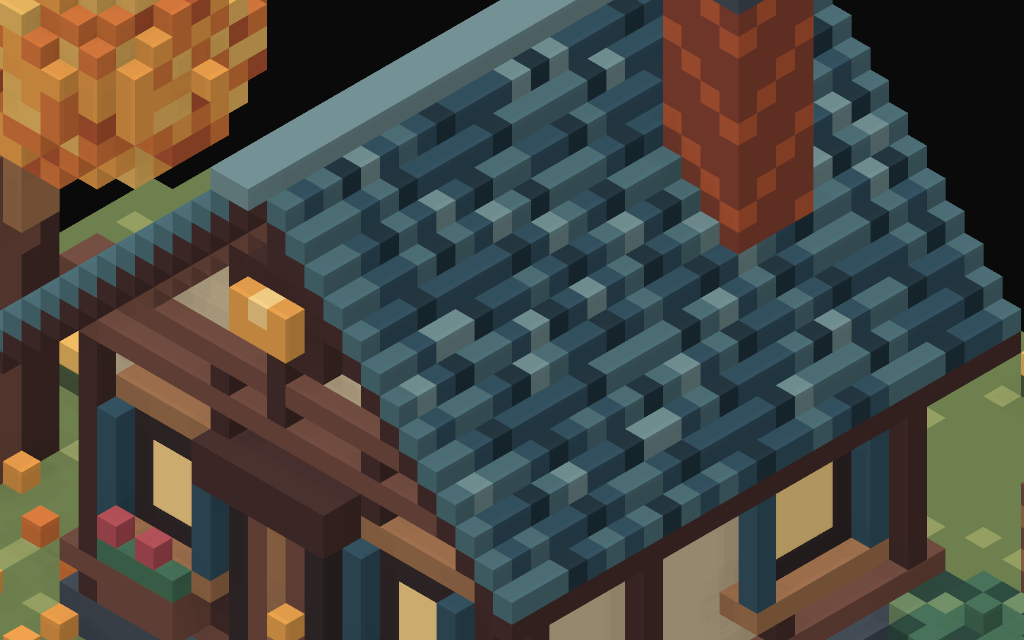
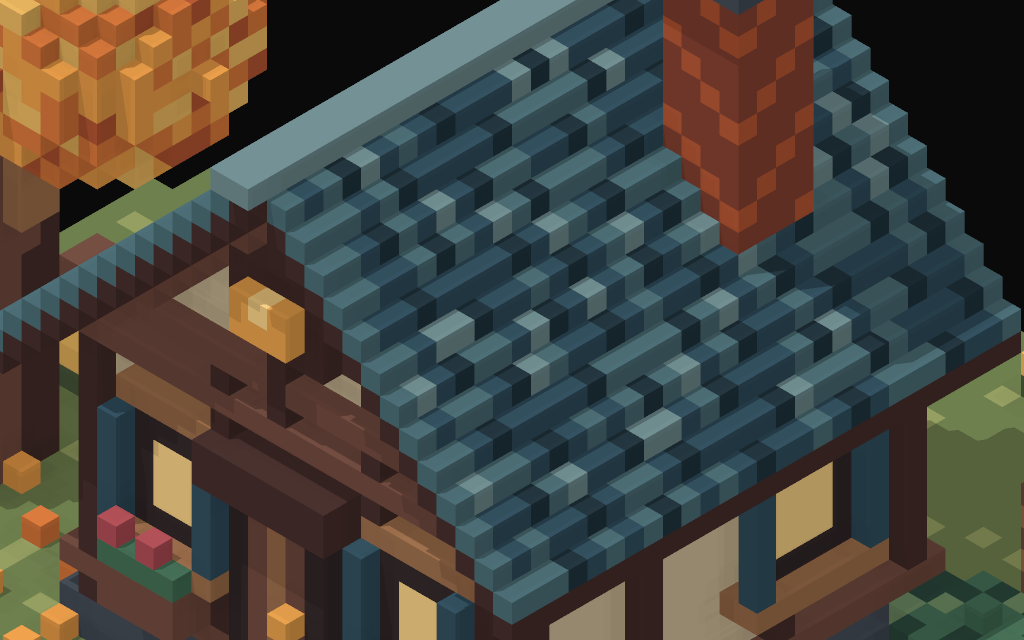
That's a per-pixel loop, so it had better be smart about empty space. The occupancy grid is stored as 8×8×8 bricks: 512 bits is 16 words per brick, plus one more bitmask with a single bit per brick that says whether it has anything in it at all. An empty brick gets crossed in one jump.
gpu/viewport.wgsl, trace_shadow, trimmed (the full loop runs up to 768 times)let brick = b.x + occupancy.bricks.x * (b.y + occupancy.bricks.y * b.z);
let mask  = occupancy.bricks.w + brick / 32u;
if (occupancy.words[mask] & (1u << (brick % 32u))) == 0u {
    // empty brick: jump straight to where the ray leaves it
} else {
    if (occupancy.words[word] & (1u << (bit % 32u))) != 0u { return true; }
    // inside a busy brick: walk one cell along the closest axis
}
That works, and it's still the most expensive thing in the frame by a distance. I turned it off to see how much, one change at a time on the real shader, 60 frames per phase.
Read this chart carefully, because it isn't a before and after. It's what shadows cost, which is the ceiling on what any shadow speed-up could ever win. At the fit camera on Autumn that's 18.6 ms down to 6.6. Zoomed in on the 1M terrain it's 77.0 ms down to 7.4. I haven't sped the trace up yet, so there is no real after number to show you.
The other ablations were more interesting than I expected. Removing the extra geometry attachment write changed nothing measurable (18.5 ms against 18.6 on Autumn at the fit camera). The sponge scene has 912,356 triangles and the terrain has 149,192, and the sponge renders three times faster close up. Triangle count isn't the problem. Pixels times ray length is. Rendering at 1x instead of 2x supersample also helps a lot (18.6 ms down to 8.2 on Autumn) but I'm not going to take it, because the whole rule here is that the picture doesn't get worse. It's a measurement, not a plan.
Same idea for speed. This is every scene in the baseline on both machines. Slide to a scene or tap the chart, and switch lines on and off. The scenes are not a controlled sweep (a sponge is not a terrain), so read each line as four separate measurements joined up so you can see them, not as a curve.
So on the M5 Pro the cottage holds 120 Hz at the fit camera (7.8 ms against an 8.3 budget) and doesn't once you zoom in. Ten million voxels doesn't hold it anywhere.
The plan for the trace is a second occupancy level, one bit per 32-cell super-brick, so rays cross big empty areas in a few steps. Plus clipping each ray to the occupied bounds and to the highest occupied cell along the sun direction. The image should come out identical. There's one trap: the loop stops at 768 steps, and a ray that used to run out of steps and give up (no shadow) could now finish its walk and find something. A few pixels could change. I want that to show up in a diff, not slip through.
That change hasn't landed. When it does, the numbers get added here with a proper after chart. If the result is boring I'll say so.
The part that keeps me from lying
I don't trust myself to eyeball a shadow change. So the plan is two small tools that share the same scenes and camera paths. One measures speed, the other measures whether the picture moved.
| bench | visual | |
|---|---|---|
| What it does | Drives the real Metal renderer headless along scripted camera and edit paths at the baseline size | Same scenes and paths at a small size, compared against golden PNGs |
| Fails when | Median of 3 runs is worse than the baseline by more than 5 percent and more than 0.3 ms | Any pixel differs (exact mode, used for every optimisation) |
| Leaves behind | JSON per run and a before and after table | Actual, golden, a log-scaled diff heatmap and a side by side |
There's a looser tolerance mode for changes I actually want, like tweaking the look: at most 0.05 percent of pixels off by more than 6/255, and no blob of failing pixels bigger than 32 px. Goldens are pinned to one chip, the Mac mini, because shadow and AO output can differ in the last bits between GPUs, and every other machine gets a polite skip rather than a failure. Before goldens are trusted, every frame is rendered twice and has to match itself. Changing a golden on purpose takes a command that wants a reason and writes it to a changelog.
Here is roughly what the diff output looks like. This one is the cottage with shadows on against shadows off, from the CPU renderer. It isn't a regression, I just needed a real pair of images that differ.
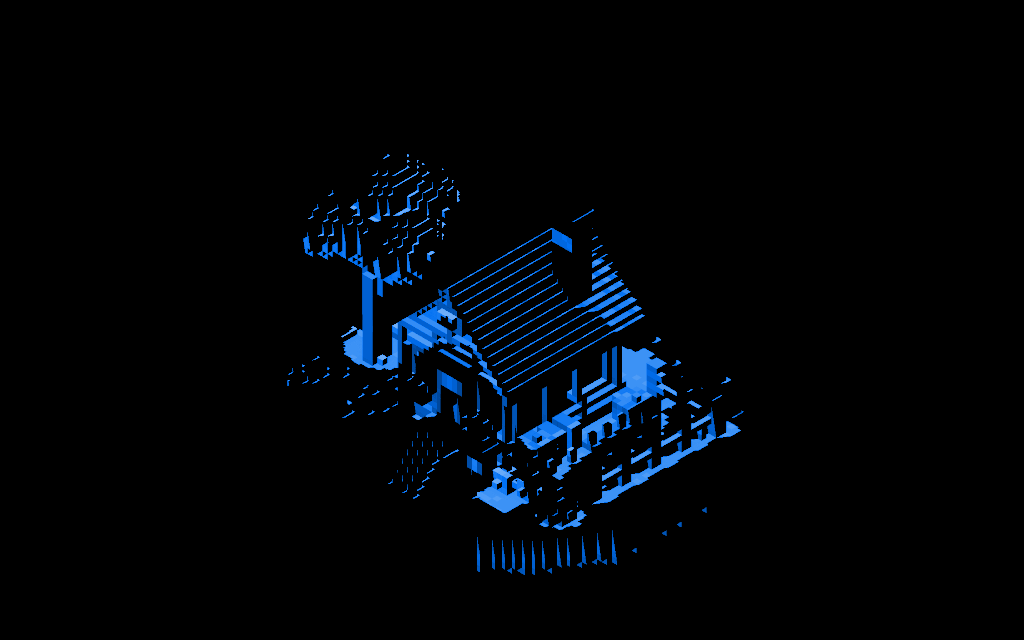
Status: the bench and the visual tool are being written as I type this and aren't merged yet. Nothing is gated by them today, and the speed numbers above come from a one-off instrumented run, not from the finished tool.
That's where it is. The second brick level is next.
Where the numbers come from
All speed numbers come from a baseline run of the production Metal worker driven headless: 4128×3232 pixel target, 4x MSAA, 2x supersample, exact voxel shadows, commit d81e670, on 2026-10-26. The M2 mini was busy running CI during the runs (load average 11 to 66), so treat those timings as rough. The M5 Pro was in normal use and its numbers are from a single run. The raw per-frame data for the ablation and the triangle counts is in data/ in this site's repo, along with the script that draws every chart on this page.